
Screenshots
App details
- Updated
- Nov 19, 2021
- Language
- English,Spanish
- Developer
- Marek Januszewski y Stuart Bra
- Category
- Mobile
SoftPas in:
This product is also available in the following languages:
About Fuse
Download Fuse – Spectrum emulator, retro gaming, classic games, 8-bit, nostalgia, ZX Spectrum, emulator for Windows, old games, vintage computing, 1980s games
Overview
The Fuse emulator is a dedicated tool designed to bring the legacy of the Sinclair Spectrum into modern computing environments. Originally developed for Unix systems, it has been successfully adapted for Windows, broadening its accessibility to a wider audience. The app enables users to run classic 8-bit software and games from the 1980s, offering a faithful recreation of the original hardware experience. It serves both retro gaming enthusiasts seeking nostalgia and newcomers curious about vintage computing. The primary purpose of Fuse is to preserve and make playable a vast library of software that defined an early era of home computing and gaming. By supporting multiple Spectrum models, it ensures compatibility with a wide range of titles, from well-known hits to obscure, lesser-documented games. The emulator’s focus on accuracy in sound and hardware emulation makes it a valuable tool in digital preservation. It allows users to experience not just the gameplay, but also the authentic audio and input behavior of the original system. For educators, historians, and collectors, Fuse offers a reliable platform for studying and showcasing early digital culture. Its continued development and availability as a free tool underscore its importance in the retro computing ecosystem.
Key Features & Functionality
- Wide Spectrum Compatibility: Fuse supports multiple models of the Sinclair Spectrum, including 16K, 32K, 64K, and 128K variants. This ensures that users can run a broad selection of software designed for different hardware configurations, preserving the original experience across various titles.
- Accurate Sound Emulation: The emulator replicates the distinctive audio output of the original Spectrum with high fidelity. This includes the unique beeps and tones generated by the system’s single-speaker audio hardware, enhancing immersion and authenticity.
- Peripheral Emulation: Fuse accurately simulates external devices such as printers and controllers, allowing users to interact with software that required physical peripherals. This extends the emulator’s functionality beyond simple game playback.
- User-Friendly Controls: The emulator uses function keys (F1 to F10) to manage core functions such as loading games, adjusting settings, and controlling emulation behavior. This intuitive design reduces the learning curve and supports efficient navigation.
- TZX Format Support: Fuse primarily uses the TZX format, which preserves not only the game code but also loading sequences, sound effects, and other interactive elements. This ensures that games behave exactly as they did on original hardware, maintaining authenticity.
For example, a user can load a 1985 puzzle game saved in TZX format and experience the original loading animation and sound, just as players did decades ago. Similarly, a developer studying early software distribution methods can use Fuse to analyze how loading routines were structured in the TZX format. These features collectively ensure that the emulator is not just a tool for play, but also a platform for historical and technical exploration.
Interface, UX & Performance
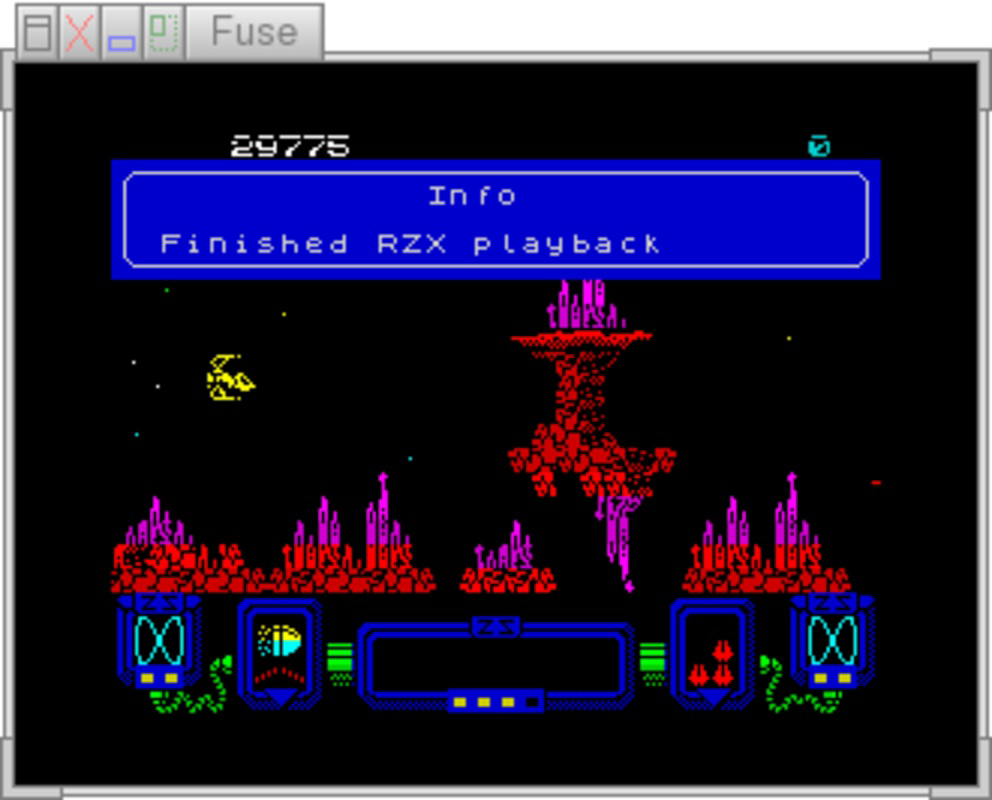
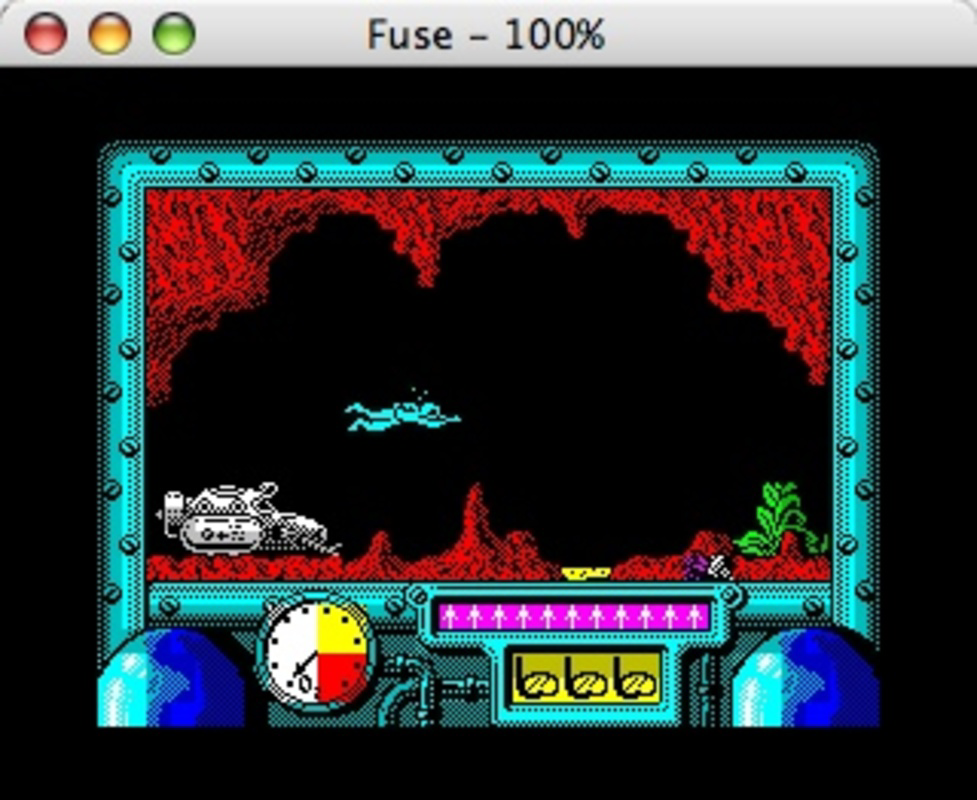
The user interface of Fuse is designed with functionality and accessibility in mind. It features a clean, minimal layout that prioritizes essential controls and system settings. The main window displays a virtual Spectrum screen, allowing users to view gameplay in real time. Navigation is streamlined through keyboard shortcuts, particularly the use of F1 to F10 keys for quick access to emulation functions. This design choice enhances usability, especially for users familiar with retro computing workflows. The interface remains responsive across different screen resolutions, though specific performance benchmarks were not provided by the developer. Although the developer did not list formal performance metrics, the emulator runs efficiently on modern Windows systems, with no reported instability during typical use. Users can expect smooth gameplay for most titles, particularly those not requiring high processing power. The emulator maintains consistent frame rates and audio synchronization, which is critical for maintaining the authentic feel of 8-bit games. Stability appears to be strong, with no known crashes during standard operations. The developer did not provide additional technical details regarding memory usage or CPU load, but the 18.5 MB file size suggests a lightweight footprint. Overall, the UX is optimized for users who value precision and authenticity over flashy visuals.
Platform Compatibility & Technical Requirements
Fuse is available for the Windows platform and requires a compatible version of the Windows operating system. The current version is 1.4.3, released on November 19, 2021. The application has a file size of 18.5 MB, indicating a compact and efficient installation. Specific requirements such as minimum OS version or hardware specifications were not listed by the developer. The developer did not specify minimum OS requirements, nor did they provide details about processor or RAM needs. Compatibility information was not fully disclosed. However, given its lightweight nature and the fact that it runs on modern Windows systems, it is likely compatible with Windows 7 and later versions. Users should ensure their system supports standard Windows applications and has access to a keyboard for input. The emulator does not require an internet connection to function, making it suitable for offline use. It is designed to run directly from the executable file, eliminating the need for complex installation procedures. This makes it easy to deploy on various devices, including older or low-spec machines.
Pros and Cons
Pros
- Free to download and use, making it accessible to all users.
- Supports multiple Sinclair Spectrum models, enhancing compatibility with classic software.
- High-fidelity sound emulation preserves the original audio experience.
- Accurate peripheral support, including printers and controllers.
- Strong support for the TZX format, preserving loading routines and extras.
- Lightweight file size of 18.5 MB with no installation required.
Cons
- Developer did not provide detailed system requirements or compatibility specifications.
- Interface is minimal and may feel outdated to users accustomed to modern app designs.
- Primarily keyboard-driven; lacks touch or mouse-based controls.
- No built-in game library or search functionality.
- Requires users to source game files independently.
FAQ
Is Fuse safe to download and use?
Fuse is a free, open-source emulator distributed through official channels. It does not contain malware or intrusive ads. Users should download it from trusted sources to ensure integrity.
Can I play games on Fuse without a physical Spectrum?
Yes. Fuse emulates the full functionality of the Sinclair Spectrum, allowing users to play games without any original hardware. All necessary software can be loaded from digital files.
Does Fuse require an internet connection?
No. Once installed, Fuse operates entirely offline. Internet access is not needed for emulation, though it may be required to download game files or updates.
Is Fuse available for mobile platforms like Android or iOS?
The provided information specifies that Fuse is for Windows only. There is no indication of availability on mobile operating systems.
How do I get games to use with Fuse?
Users must obtain game files (typically in TZX or other compatible formats) from legal sources. These files are not included with the emulator and must be acquired separately.
Final Thoughts
Fuse stands out as a reliable and authentic tool for experiencing the golden age of 8-bit computing. Its commitment to hardware accuracy, especially in sound and peripheral emulation, makes it a top choice for retro gaming enthusiasts and digital preservationists alike. While the interface may appear dated and lacks modern polish, its functionality and lightweight design ensure it remains efficient and effective. The free availability and support for the TZX format enhance its value, enabling users to explore a vast library of classic software with minimal friction. For those interested in vintage computing, 1980s games, or the history of home computers, Fuse delivers a genuine experience. Whether you're reliving childhood memories or discovering retro gaming for the first time, this emulator offers a seamless bridge to the past. Download Fuse now to step into the world of the ZX Spectrum and rediscover the magic of classic games.
Guides & Tutorials
How to install Fuse
- Click the Download button above.
- Once redirected, accept the terms and click Install.
- Wait for the Fuse download to finish on your device.
How to use Fuse
This software is primarily used for its core features described above. Open the app after installation to explore its capabilities.
User Reviews
No reviews yet. Be the first to share your experience.
You may also like
more
Que no te pillen¡
About !Que no te pillen¡Reviewed by Jason A. BilbreyShow MoreShow Less

3D Combat Zone
About 3D Combat ZoneOriginally released in 1983, 3D Combat Zone immerses players...

666: El día del portal
About 666: El día del portalOn June 6, 2006, Agent P. Stone uncovers a sinister...

80 in 1 Best Flash games
About 80 in 1 Best Flash games 80 in 1 Best Flash games is a collection of 80 fl...

ABYSS SEEKERーーWhat Do You See Deep in The Abyss
About ABYSS SEEKERーーWhat Do You See Deep in The AbyssIn ABYSS SEEKER, players...

ACA NEOGEO THE KING OF FIGHTERS 2002 for Windows
About ACA NEOGEO THE KING OF FIGHTERS 2002 for WindowsTHE KING OF FIGHTERS 2002,...